Fracton
A downloadable tool for Windows
Fracton is a tool for developers. It provides useful features.
Usage:
1. Start the program
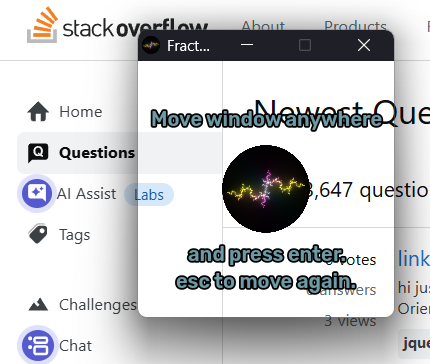
2. The Fracton main menu will appear. You can move the window anywhere you want.
3. Press `Enter` to hide the window's border and make it not moveable
4. Press `Esc` to move it again
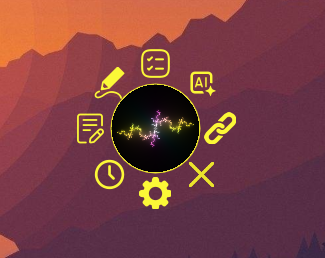
5. Click it to see the features
6. Click a button and a separate window will open.
7. To quit Fracton you can click the X or close the main menu window.
Features:
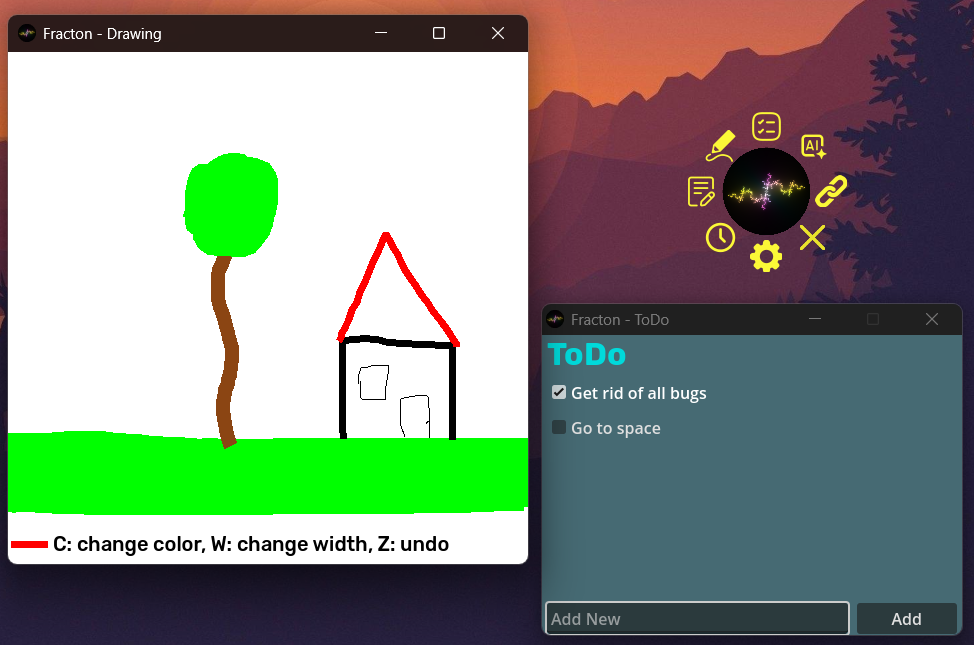
- Transparent moveable window for the main menu
- Multiple windows supported
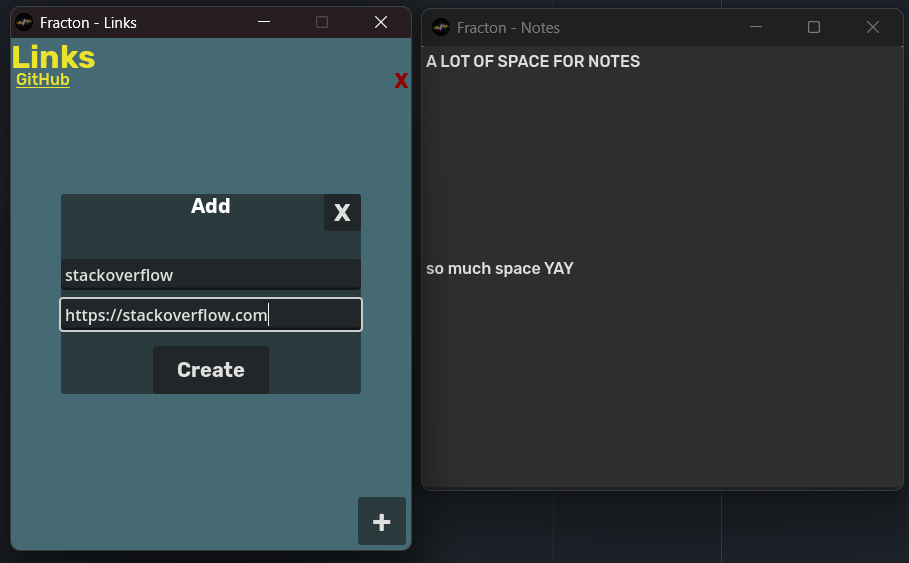
- Links: Add any links to have a quick access to websites
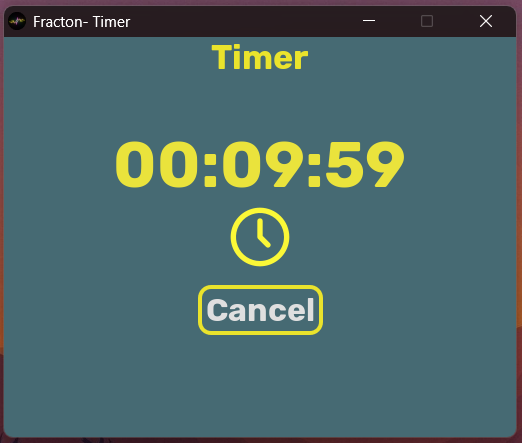
- Timer: Set an alarm for your breaks or lock-in time
- Notes: A notes window with unlimited space for your notes
- Drawing: Draw sketches, or silly comics. You can change the size and color and undo lines. Secret: Press `t` to make the window transparent
- You can change the size of the notes and drawing window.
- ToDo: A place to organize the task you need to do
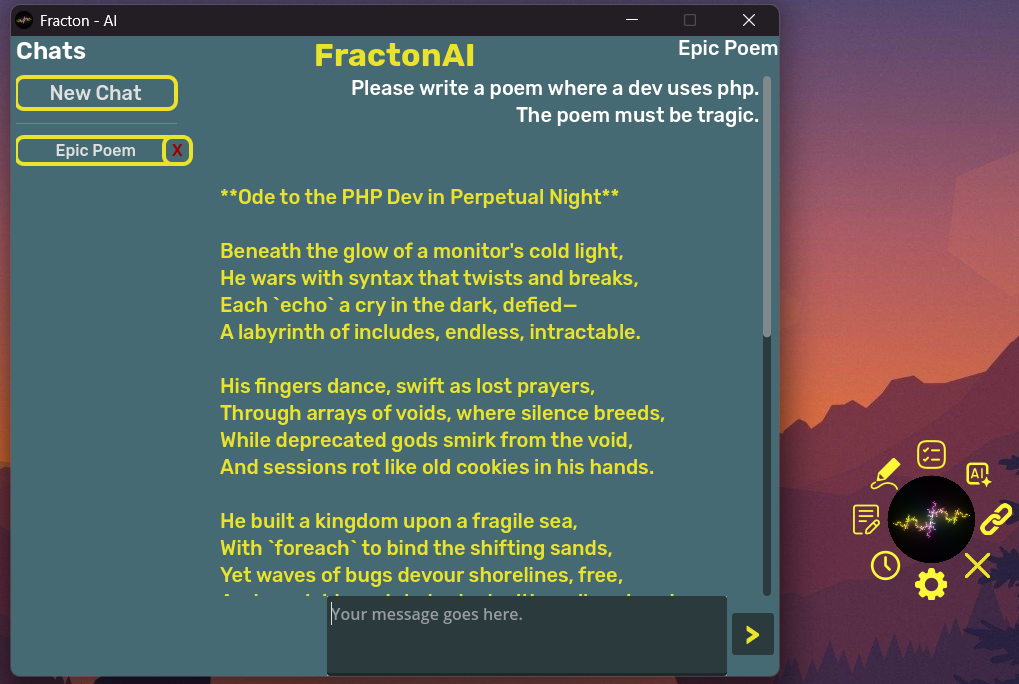
- AI: An AI-Chatbot where you can set the system prompt and use it as much as you want
- Settings: Hide the text telling you how to place the main menu window. And choose which windows stay always at the top of your screen. You can also delete all your data
- Close: If you want to exit this application :'(
More documentation can be viewed in the GitHub repository here.
Credits:
- Code: Qwatrum
- Fractal Art: cruzgodar.com
- Fonts: Rubik
- Icons: Flaticon.com: Pixel Perfect (Close, Settings), Rikas Dzihab (Notes), Ilham Fitrotul Hayat (Timer), Freepik (Draw), LAFS (AI), Graphics Plazza (ToDo), Creaticca Creative Agency (Links)
- Music: Pixabay.com
2025 ~ made by Qwatrum
Download
Leave a comment
Log in with itch.io to leave a comment.